
Trading cards
Organise your trading cards, one set at a time
Import a set by name, open it in a nine-pocket binder and tick off what you own. Collectors Den keeps count of what’s missing and what’s spare.
 Free · iPhone and Mac · No ads, no subscriptions
Start from the set list, not a blank page
Pick a set from a public catalogue and the whole checklist arrives at once.
- Pokémon TCG sets, by name.
- Magic: The Gathering sets, with data from Scryfall.
- Yu-Gi-Oh! sets, with data from YGOPRODeck.
- Anything else — sports cards, other games, promos — as a numbered set you create, or from a CSV list.
The catalogue is only contacted when you ask for an import. Collectors Den is not affiliated with these games or data providers.
Completion you can see
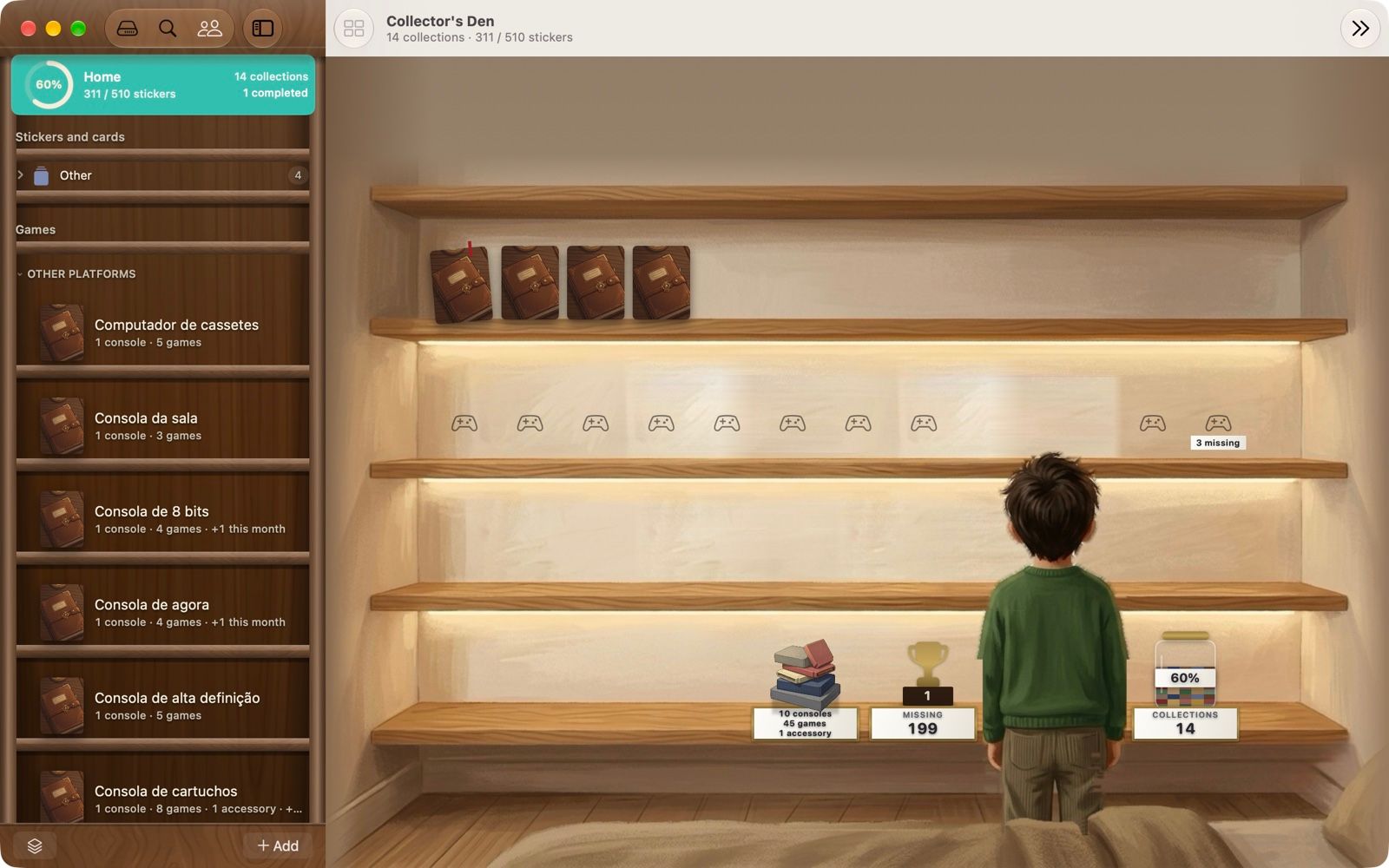
Each set shows how many you have, how many are missing and how far along you are, so you know where to spend your next booster or trade.
- Cards open in a leather binder view with nine pockets a page.
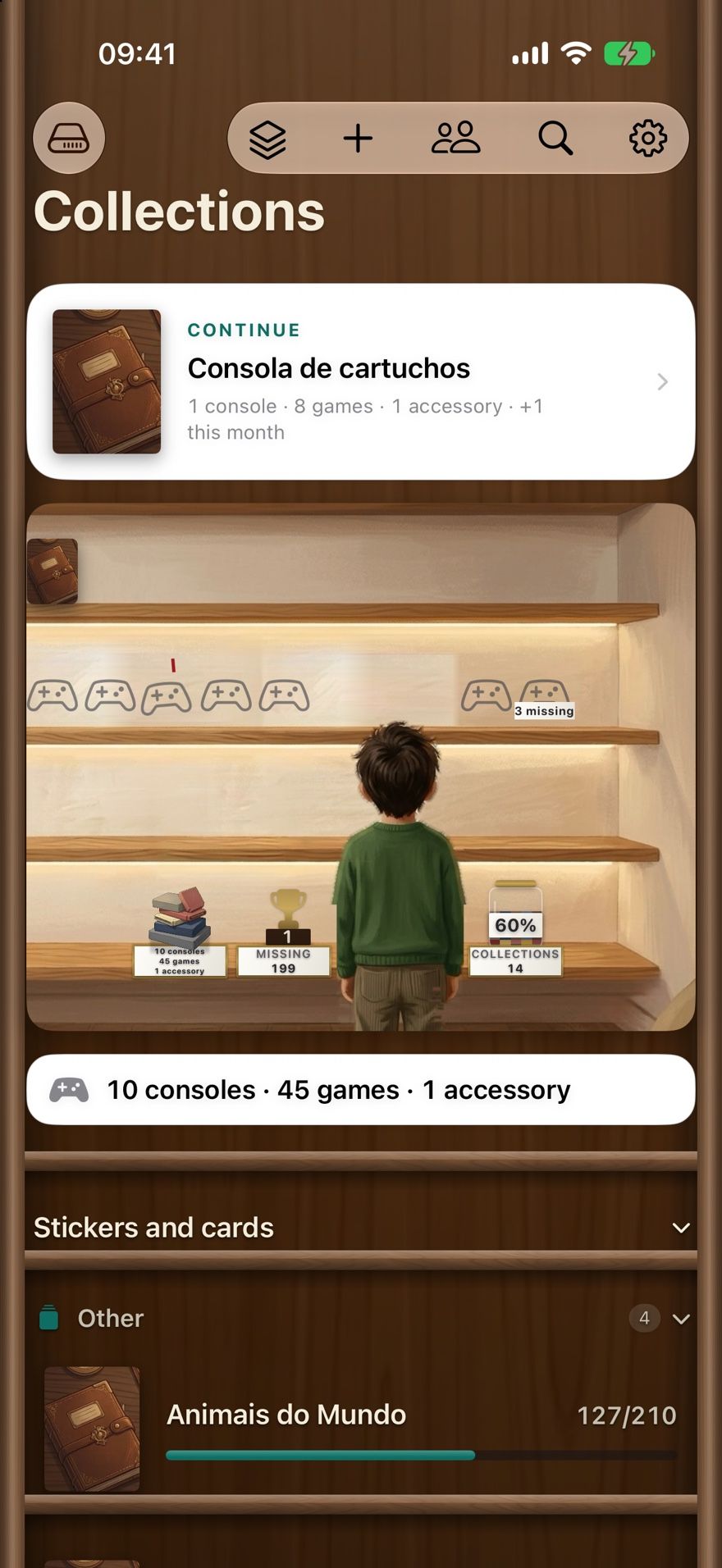
- Keep several sets — and several games — side by side on one shelf.
- Print the checklist or the missing list as a PDF.
- Search across your collections with Spotlight, and use the app’s actions in Shortcuts.
Duplicates and trades between friends
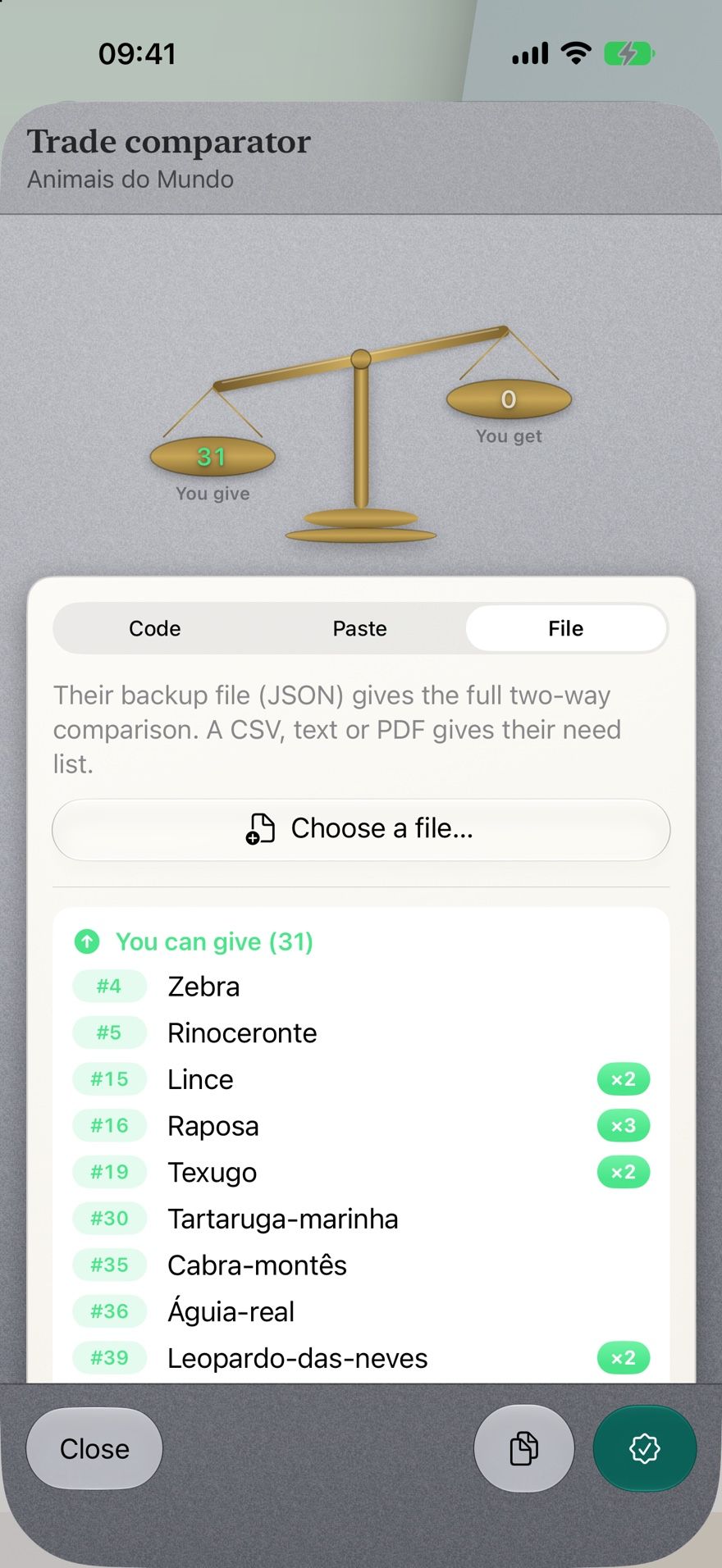
Your spare count is always up to date. Compare lists with a friend to see what each of you can give.
- Load their list from a code, pasted text or a file.
- Reserve a duplicate for the person who asked for it.
- Share a collection with family so everyone can mark cards.
No buying, selling or payments happen in the app.
Is it the right app for your cards?
A good fit if you collect by set and care about completion and duplicates, want one app for cards and sticker albums or games, and prefer no account, no ads and no subscription.
Look elsewhere if you need camera card identification, live market prices or portfolio value — Collectors Den does none of those. Our comparison of collection apps lists apps built for that.
Read next: How to organise a trading card collection.
Trading card questions
Which card games can I import?
Three card catalogues are built in: Pokémon TCG sets (from the Pokémon TCG API), Magic: The Gathering sets (data from Scryfall) and Yu-Gi-Oh! sets (data from YGOPRODeck). For anything else — sports cards, other games, your own checklist — create the set by count or import a CSV.
Can it recognise a card from a photo?
No. Collectors Den doesn’t identify cards by camera. You import the set by name, then mark the cards you own.
Does it show card prices or the value of my collection?
No. It tracks what you own, what’s missing and your duplicates — not market prices. If valuation is your main goal, a price-tracking app is a better fit; see the comparison.
Does importing a set send my collection anywhere?
No. The catalogue is contacted only when you ask for an import, to fetch that set’s card list. Your collection itself stays on your device and in your iCloud. Details are in the privacy policy.

Bring your card sets into Collectors Den
Free · iPhone and Mac · No ads, no subscriptions, no account