Guide
How to organise a trading card collection
A step-by-step system for sorting, storing and tracking trading cards — by set and number, binders or boxes, protecting valuable cards, keeping a checklist.
A shoebox of cards is a pile. The same cards sorted by set, stored properly and listed somewhere you can check from your phone are a collection — one you can complete, trade from and enjoy.
This guide works for any collectible card game or sports cards. The physical steps come first, because no app can fix a box you can’t find anything in.
Step 1: Decide how you’ll sort
Pick one primary order and stick to it. The common choices:
- By set, then by card number. The best choice if you want to complete sets: the checklist and your storage are in the same order, so gaps are obvious.
- By type or colour (for game players): useful for building decks, poor for tracking completion.
- By value: keep a separate small box or binder for your most valuable cards, whatever your main order is.
Most collectors who track completion end up with set → number for the main collection, plus a “valuables” binder and a “trade” box.
Step 2: Do the first sort in stages
Sorting thousands of cards in one pass is overwhelming. Work in rounds:
- Rough sort by set (look for the set symbol or code, usually near the bottom of the card) into piles or labelled bags.
- Sort each set by number. Card numbers are usually printed as “number / set size”.
- Pull out duplicates as you go — put them aside in the same order.
- Set aside anything that looks valuable or damaged for a closer look.
Step 3: Choose storage for each group
| Group | Good storage | Why |
|---|---|---|
| Main collection, by set | 9-pocket binder pages | You see every card and every gap at a glance |
| Bulk and duplicates | Card boxes with dividers | Cheap, compact, easy to pull from for trades |
| Valuable cards | Sleeve + rigid holder, in a separate box | Protection from bending and scratches |
| Cards you play with | Sleeved deck boxes | Kept apart so the collection stays intact |
A few habits help with any storage:
- Use side-loading binder pages if you can, so cards don’t slide out.
- Sleeve before binding anything you care about.
- Keep cards away from sunlight, damp and heat.
- Label boxes and binder spines with the set name.
Step 4: Keep a checklist that matches your storage
Your checklist should follow the same order as your binder or box: set, then number. For each card track:
- Owned or missing
- How many duplicates you have (useful for trading)
- Optionally condition, variant (foil, special edition) and where it’s stored
A spreadsheet works for this, and so does a collection app. What matters is that it’s easy to update the moment you open new packs or make a trade — if updating it is a chore, it will drift out of date.
Step 5: Track completion, set by set
Completion is what keeps a collection moving. For each set you’re working on:
- Know the total in the set and how many you have.
- Keep a short missing list you can show at a shop or a trade night.
- Decide whether variants count towards “complete” for you — it changes the goal a lot.
Step 6: Trade from a list, not from memory
Before you trade, have your duplicates list and missing list ready. Compare them against the other person’s in both directions — what you can give them, and what they can give you. Agree on how you’re valuing cards before you start, especially between children.
Doing it in Collectors Den
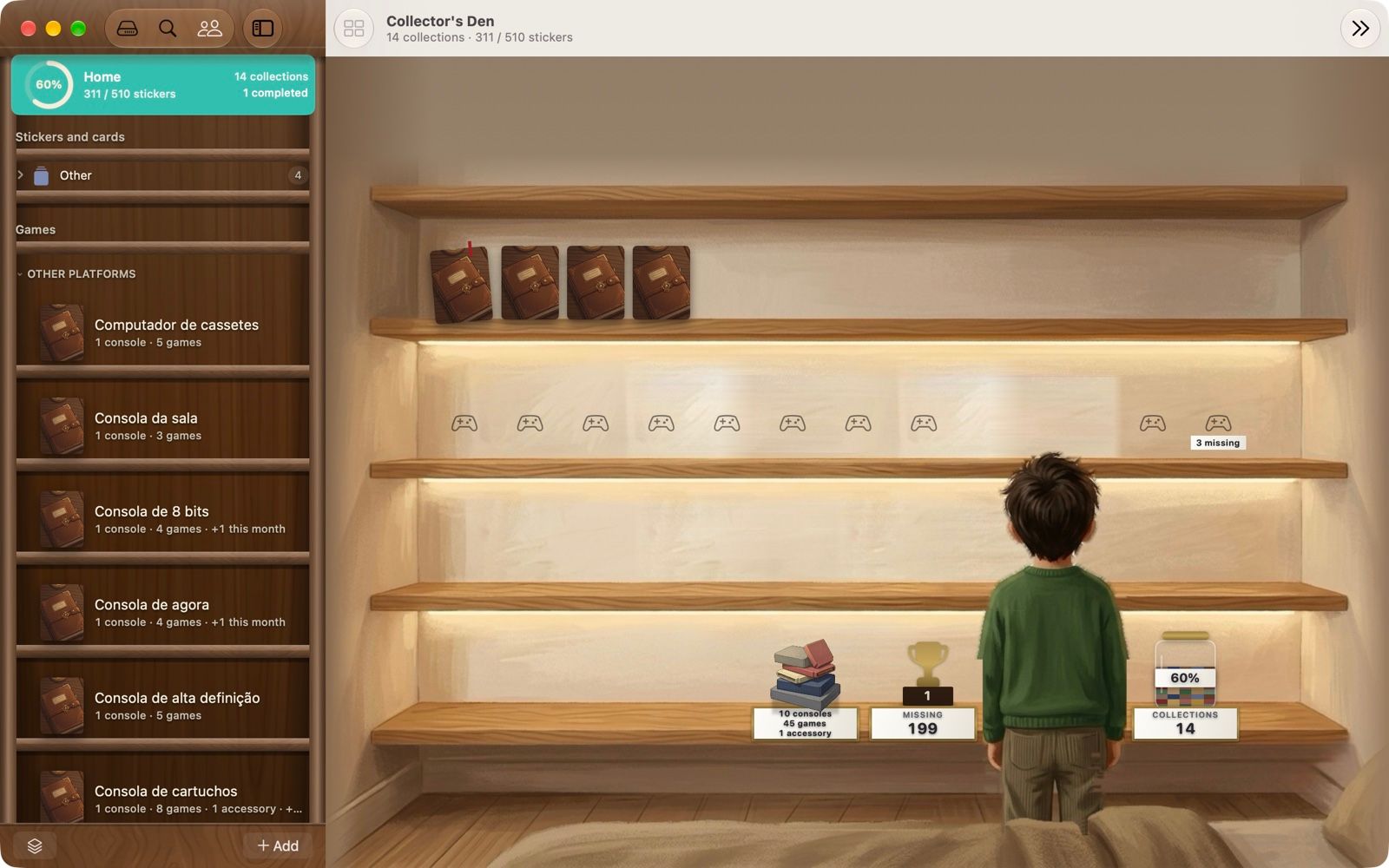
Collectors Den takes care of the checklist side of this system on iPhone and Mac:
- Import a set by name from public catalogues: Pokémon TCG sets, Magic: The Gathering sets (data from Scryfall) and Yu-Gi-Oh! sets (data from YGOPRODeck). For anything else, create a numbered set or import a CSV.
- Cards open in a nine-pocket binder view, mirroring your physical binder, with completion counted for you.
- Duplicates are counted, and you can reserve a spare for the person who asked for it.
- The trade comparator compares your list with a friend’s in both directions.
- Print the checklist or missing list as a PDF.
- Synced through your own iCloud; free, no ads, no subscriptions, no account.
What it doesn’t do: it doesn’t recognise cards from a photo, and it doesn’t track market prices or the value of your collection. If valuation is your main goal, an app built for prices is a better fit — see the comparison.
A quick checklist
- One main order: set, then number.
- Sort in stages; pull duplicates as you go.
- Binders for the collection, boxes for bulk, holders for valuables.
- A checklist in the same order as your storage.
- Missing and duplicate lists ready before every trade.