
Sticker albums
A sticker album tracker that keeps up with every pack
Mark what you have, see what’s missing and know which duplicates are ready for a swap — on your iPhone and your Mac.
 Free · iPhone and Mac · No ads, no subscriptions
Set up an album in a minute
You don’t type 600 numbers by hand. Tell the app how the album is laid out and it builds the list.
- Empty album by pages: say how many pages and how many stickers per page, and the numbering is done for you.
- CSV file: if you already have the list in a spreadsheet, import it.
- Sections: each section shows its own progress, so you know which pages are nearly done.
Collectors Den doesn’t include ready-made checklists for specific published albums. If you want sticker names, add them in your CSV.
Missing stickers, at a glance
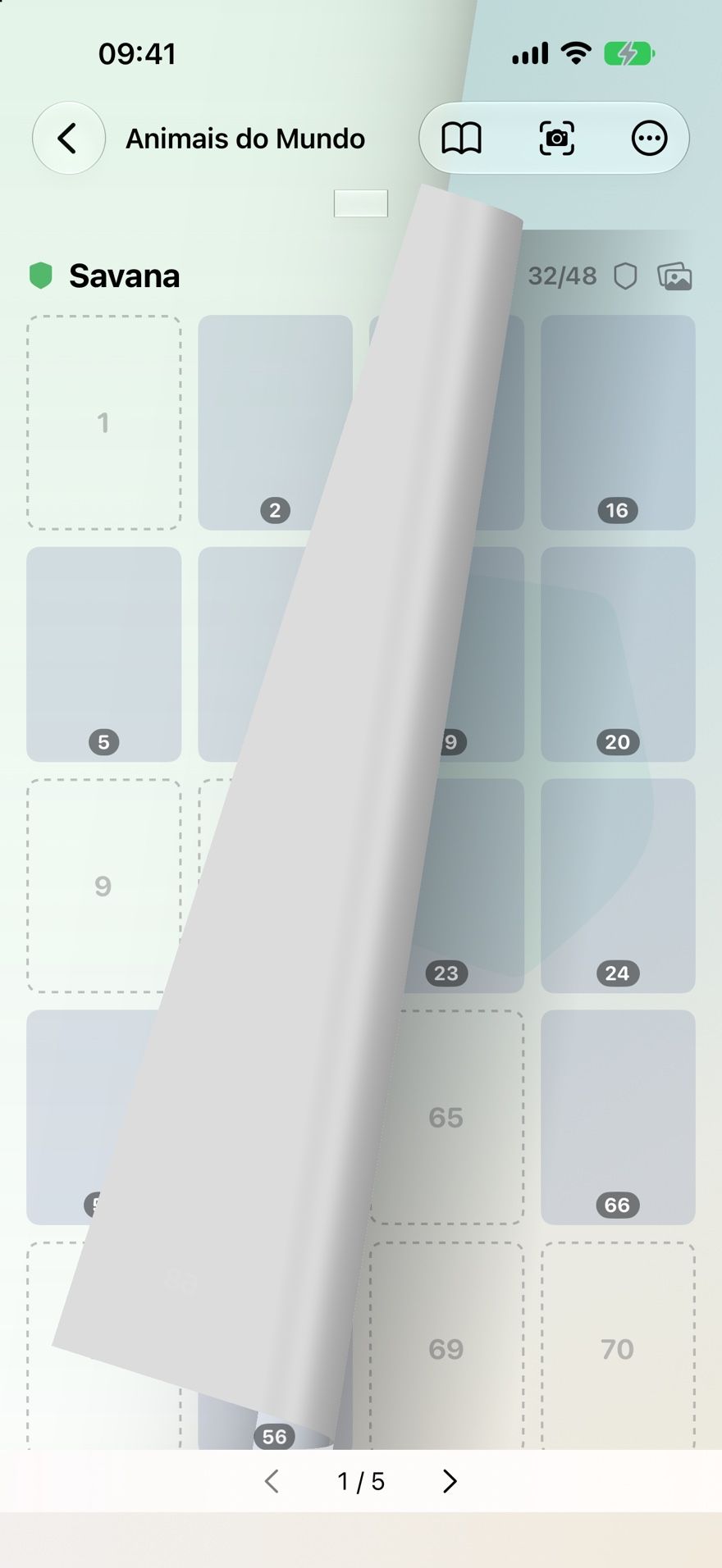
Every album counts itself: how many you have, how many are missing and the percentage done.
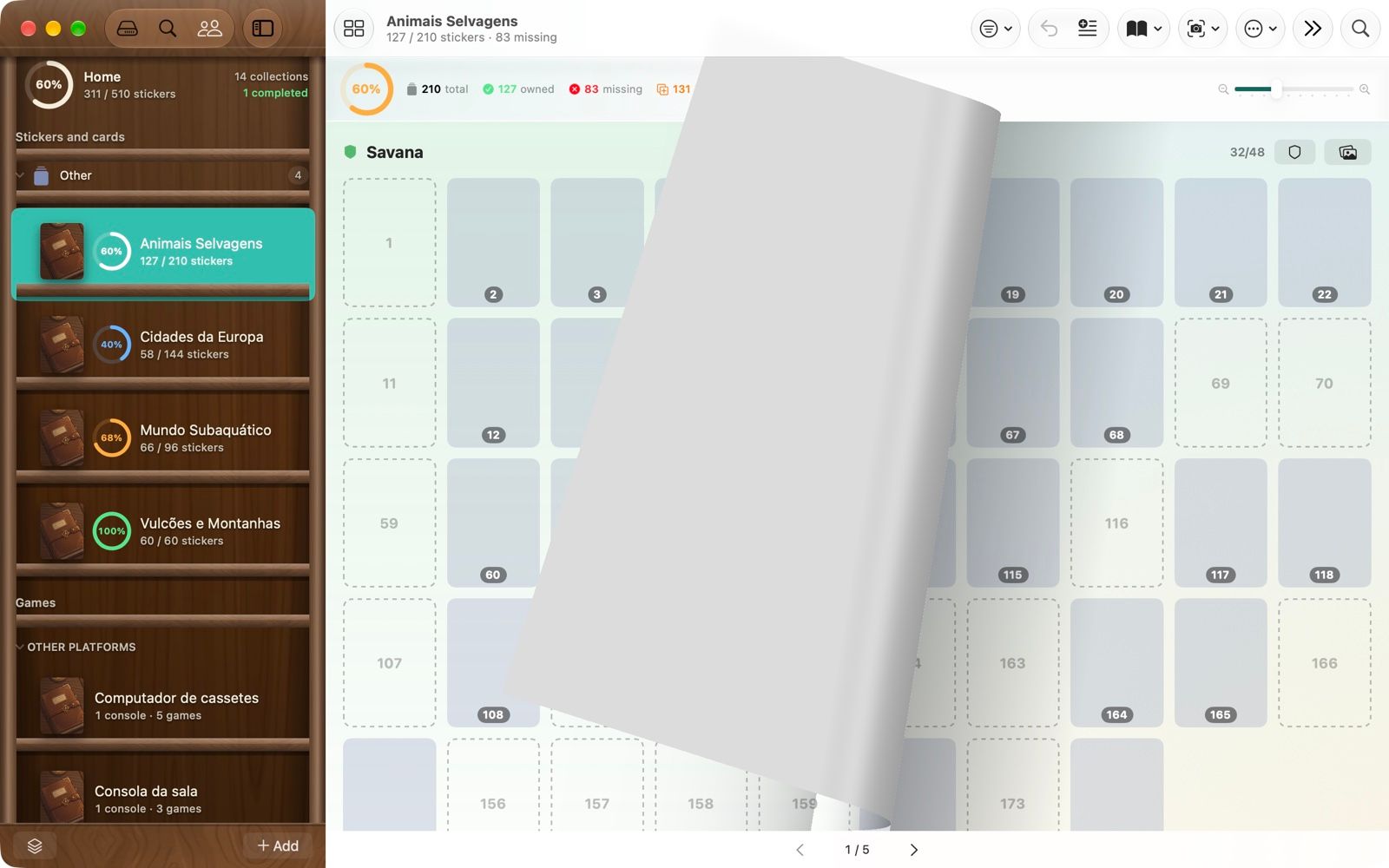
- Album mode lays stickers out like the real pages, and each page curls from the corner you turn it by. Missing slots stay empty and dashed.
- Scan the back: point the camera at the number on the back of a sticker and the app tells you whether you already have it. The text is read on the device.
- Print it: export the album, labels or your list of missing numbers as a PDF to take to a swap.
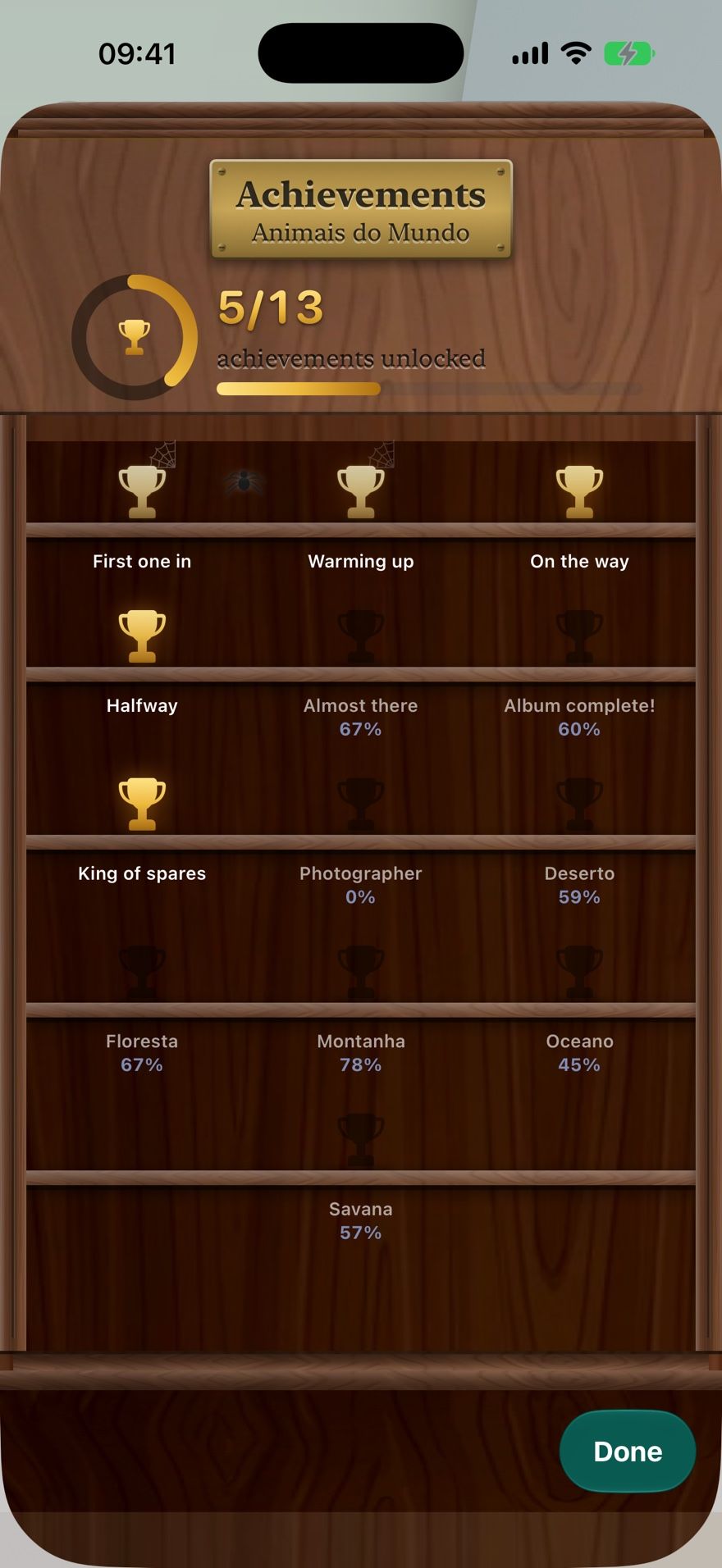
- Achievements mark milestones per album and per section.
Duplicates that become swaps
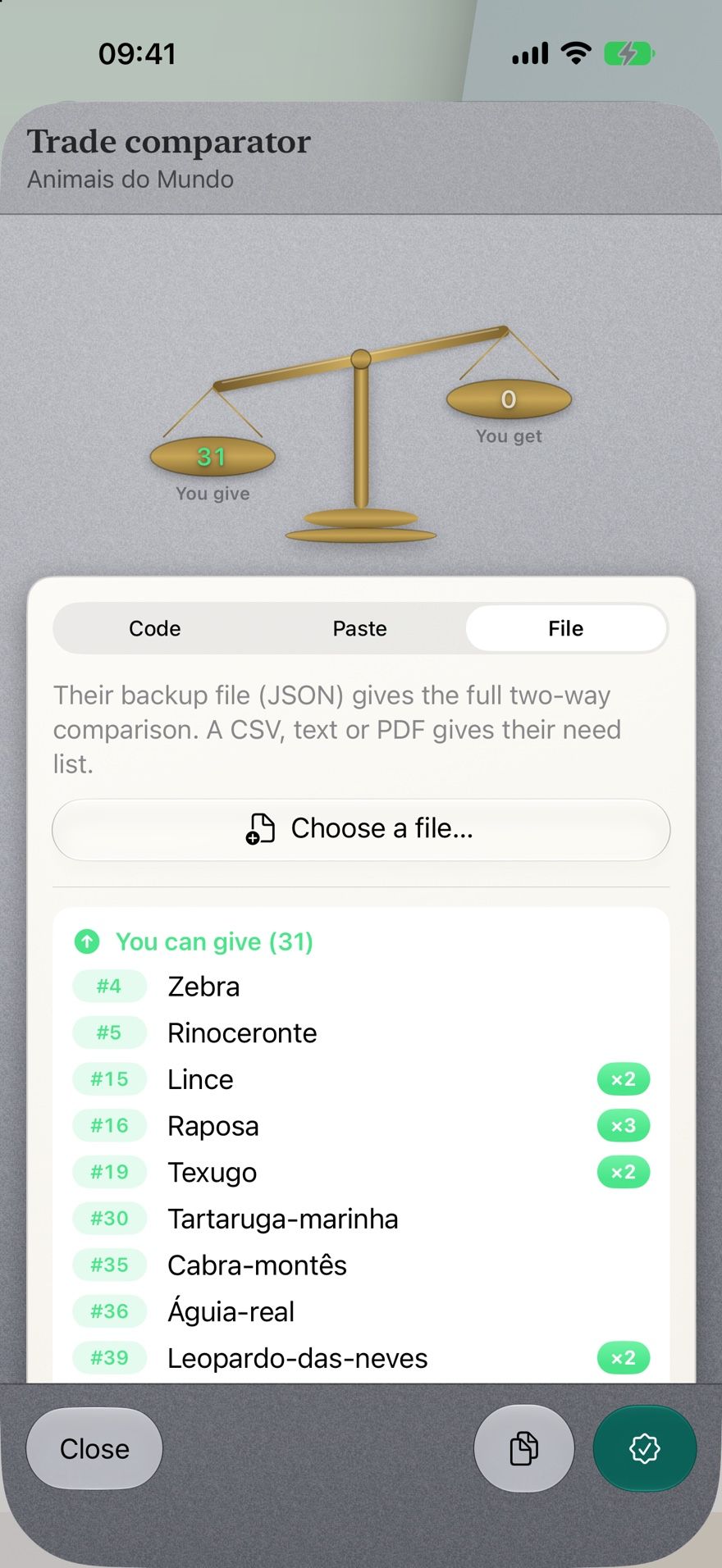
Keep count of every spare, then see at once what you and a friend can trade.
- Trade comparator: load a friend’s list from a code, pasted text or a file and see both sides — what you can give and what you can get. A backup file from their app gives the full two-way comparison; a CSV, text or PDF gives their missing list.
- Face to face: the swap code can be shown as a QR code and read by their app, with no internet needed.
- Reservations: set a duplicate aside for whoever asked, so it isn’t promised twice.
Nothing is bought, sold or paid for inside the app. It shows you the possible swaps; you and your friend make them.
Fill an album together
Share one album with family. Everyone marks the stickers they stick in, and the count stays right on every device.
- Choose which albums to share; the others stay private.
- Invite by the email or phone number of the person’s Apple Account. Each invitation code works only for that person and lasts a week.
- Your albums sync between your own iPhone and Mac through iCloud.
Sticker album questions
Does Collectors Den come with the checklist for my album?
No. The app doesn’t ship checklists for specific published albums. You create the album by its page and sticker counts — the numbering is generated for you — or import a CSV list. Sticker names are optional.
Can I use it for football sticker albums?
Yes. Any numbered album works: football, other sports, films, animals, anything with numbered stickers. See how to track missing and duplicate football stickers.
Does it need internet to compare lists with a friend?
No. A swap code can be shown as a QR code or a line of text and read by the other person’s app, which works face to face without a connection.
Can my child and I fill the same album?
Yes. Share that one album with the Apple Account of each person you invite; whoever joins can mark stickers too. Each person needs the app and an iCloud account.
Does it find people to swap with?
No. There’s no public matching or chat. You compare lists with people you already know — friends, family, a school or club group.

Track your next album with Collectors Den
Free · iPhone and Mac · No ads, no subscriptions, no account